Google Review Automation Software: Best CRMs & Review Tools Compared (Top 10)
Google review automation software helps businesses request reviews consistently, without relying on memory, manual follow-ups, or awkward asks at the end of a job. For service-based businesses in particular, automation can be the difference between a handful of reviews per year and a steady, reliable flow of feedback that supports local SEO.
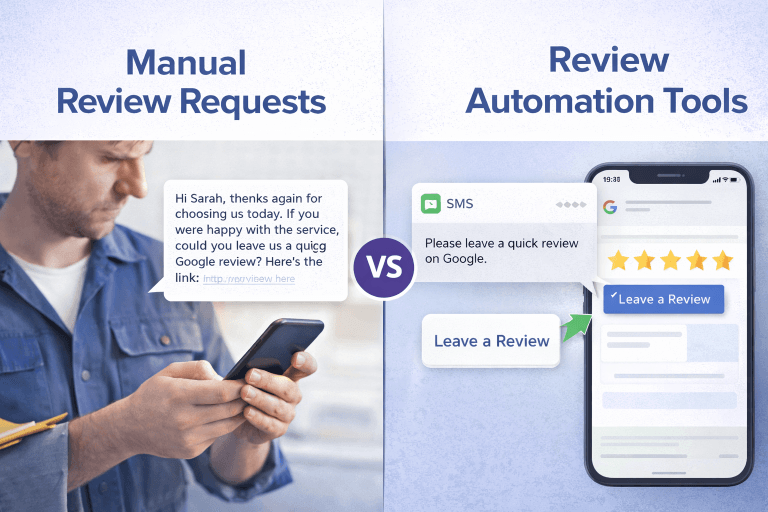
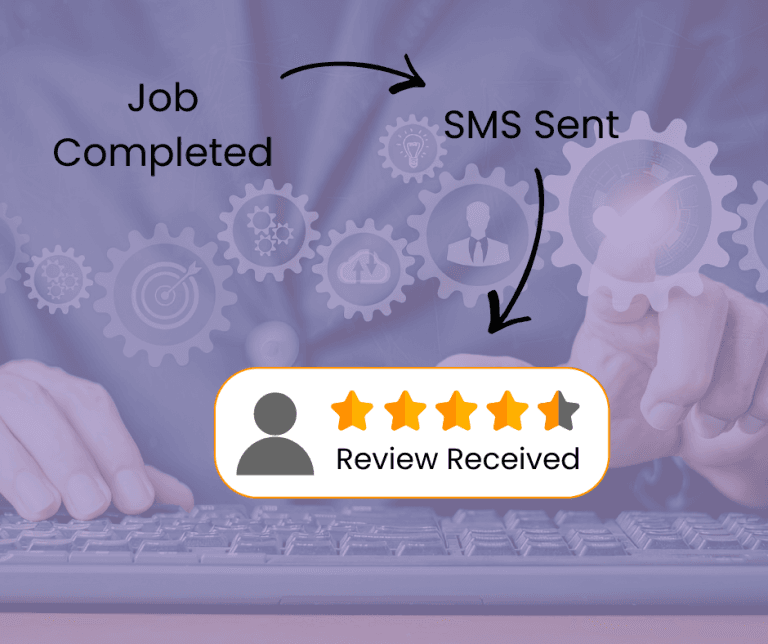
In practice, the strongest review systems rely on SMS, not email. Text messages are opened faster, responded to more often, and work better immediately after a service has been completed. That means any tool claiming to automate Google review requests needs to support SMS delivery that actually works in your region, whether you’re operating in Australia, the US, the UK, Canada, or New Zealand.
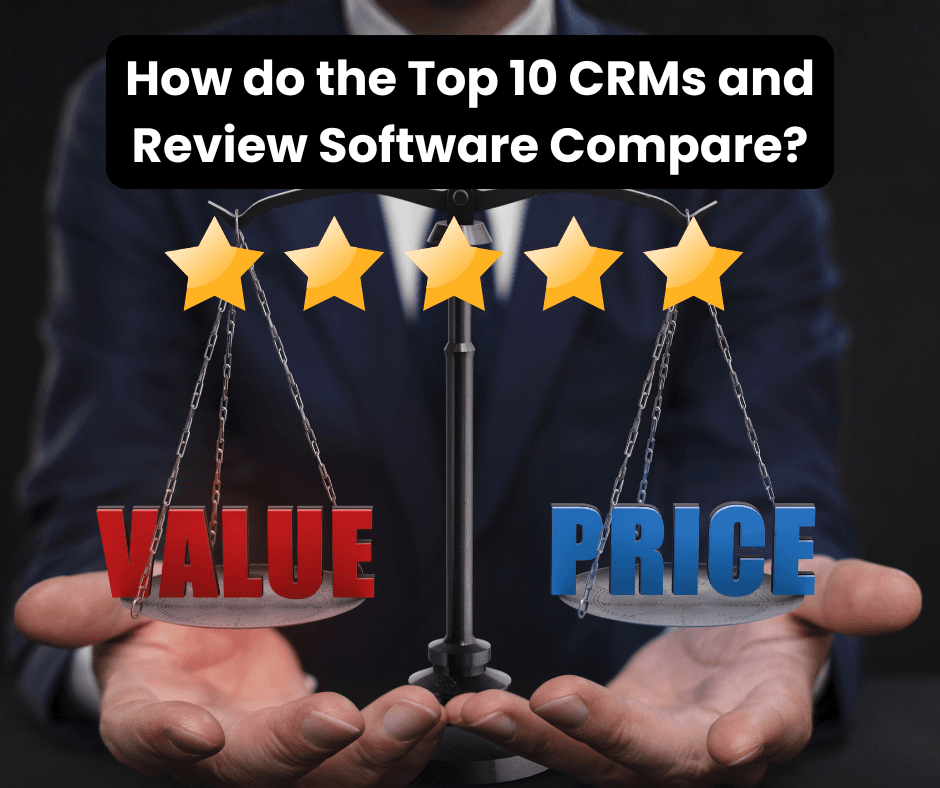
The comparison table below looks at the most commonly used CRMs and dedicated review platforms, assessed through a practical lens: how review requests are sent, whether SMS is included or capped, regional availability, and real-world cost.
Top Google Review Automation Software Compared (CRMs vs Review Platforms)
Scroll → to compare tools by price, SMS support, and region, and swipe to view all columns
Tool | Software Type | Best For | SMS Included | Plan Details ($USD) | Where SMS Works |
Jobber | Service CRM | Trades & home services with job workflows | Connect $119/Mo | US, CA, UK, AU (limits apply) | |
ServiceM8 | Service CRM | Trades & mobile service businesses | Starter ~$19/Mo | AU, NZ, UK, US | |
Zoho CRM | General CRM | Cost-conscious service SMBs | Add-on | Standard ~$14.50/Mo (+ cost per SMS) | Global SMS |
HubSpot | All-in-one CRM | Growing service businesses with admin support | Integration | Starter ~$9/Mo (+ cost per SMS) | Global SMS |
Pipedrive | Sales CRM | Quote-driven service businesses | Integration | Growth $49/Mo (+ cost per SMS) | Global SMS |
Birdeye | Enterprise review platform | Multi-location businesses | Standard $299/Mo | Mainly US/CA (International limitations) | |
Podium | Messaging & reviews platform | US-based service businesses | Core $249/Mo | Mainly US (International limitations) | |
NiceJob | SMB review software | Small–mid businesses | Reviews $75/Mo | Mainly US/CA (International limitations) | |
Grade.us | Software-only review tool | Agencies & DIY users | Add-on | Solo $110/Mo (+$10/Mo for 200 SMS) | Global SMS |
Miss K Local DIY Review App | Software-only review automation | Service businesses wanting control & low cost | DIY Lite ~$19/Mo | Global SMS |
Pricing and SMS allowances are based on publicly available information and commonly reported customer usage as at Feb 2026. Exact limits and overage rates may vary by region, contract, and carrier.
How this comparison was assessed
This comparison focuses on what actually drives reviews, not feature lists that the software companies’ market.
The key factors used were:
- SMS support: Review requests sent by SMS consistently outperform email. If SMS is unavailable, capped too tightly, or region-limited, results suffer.
- Regional reliability: Some platforms work well in the US but poorly in Australia, New Zealand, or the UK due to carrier restrictions or higher international costs.
- Purpose fit: Whether review automation is a core function or a secondary feature.
- Cost transparency: Starting price, caps, and whether extra SMS costs apply.
- Suitability for service businesses: Especially those completing jobs, appointments, or site visits.
Using CRMs to automate Google review requests (what to know)
Many service businesses already use a CRM or job management system, so it’s natural to look there first for review automation.
CRMs like Jobber, ServiceM8, Zoho CRM, HubSpot, and Pipedrive can all be used to trigger review requests — but it’s important to understand what they are designed to do.
CRMs are built to:
- Manage customers and jobs
- Track quotes, invoices, and follow-ups
- Support sales or operational workflows
They are not review-first tools.
That means review automation inside a CRM is usually a workaround, not a native process. To make it effective, you typically need to:
- Decide when the review request should trigger (job completed, invoice paid, follow-up sent)
- Build or customise automation rules
- Write compliant review messaging
- Set reminder timing manually
- Monitor SMS usage and overages
CRMs can work well for reviews if they’re configured correctly, but the setup decisions matter. Timing that works for one industry may not work for another, and poorly timed requests often get ignored.
If you’re building this yourself, the Google Review Toolkit walks through best-practice timing, messaging, and compliance considerations for setting up a review system properly. It includes a free preview and is designed specifically for service businesses.
Dedicated review automation software (and why it costs more)
Dedicated review and reputation platforms are designed specifically to manage reviews across Google and other platforms. Tools like Birdeye, Podium, NiceJob, and Grade.us generally offer:
- Built-in review request logic
- Native SMS sending
- Review monitoring and response tools
- Dashboards and reporting
The trade-off is cost and complexity.
Most review platforms:
- Charge per location, not per user
- Start around $75–$300 USD per month
- Include SMS caps, even when messaging is described as “included”
- Require contracts or upgrades for higher SMS volumes
Many also bundle features that small service businesses don’t actually need, such as inboxes, AI responses, surveys, or social tools. These platforms make sense for multi-location businesses or teams managing reputation at scale, but they’re often more than is required for straightforward review collection.
A simpler alternative for service businesses
Not every business needs a full reputation management platform.
For many service-based businesses, the goal is simple:
- Send a review request at the right time
- Use SMS because it get a higher response than email
- Stay compliant with Google guidelines
- Keep costs predictable

Software-only review automation focuses on that narrow job. Instead of bundling inboxes, AI tools, or multi-platform dashboards, it automates the review request process itself.
This is where lighter-weight options — including Miss K Local DIY Review App — fit into the landscape. These systems are designed to do one thing well: automate review requests using SMS and email, with minimal setup and ongoing cost.
As a general rule:
If you don’t need a $300/month reputation platform, there’s a simpler, compliant way to achieve the same result.
That doesn’t make one option better than another — it just means they’re built for different needs.
Choosing the right Google review automation setup
The “best” tool depends on how your business operates and how much complexity you’re willing to manage.
Here’s a simple way to think about it:
- Use a CRM for reviews if you already rely heavily on a CRM and are comfortable configuring automations yourself.
- Use dedicated review software if you manage multiple locations or need a full reputation management system.
- Use a lightweight review automation tool if you want consistent reviews without ongoing SaaS costs and a simple setup done for you.
Understanding these differences helps avoid overpaying — or under-engineering — your review process.
FAQs: Choosing the right Google review automation setup
Should I use a CRM or dedicated review software for Google reviews?
CRMs work well if you already use one and are prepared to configure review automation manually. Dedicated review software is better if reviews are a core focus and you want built-in logic with less setup.
Is SMS really better than email for review requests?
Yes. SMS has significantly higher open and response rates, especially for service businesses sending requests shortly after a job is completed. But remember spam laws still apply to SMS so you need to be aware of what you can and can’t send – even in a review process.
Do review automation tools work internationally?
Not always. Many tools work best in the US and Canada. Businesses in Australia, New Zealand, and the UK should always check SMS regional support and costs. That’s why for the Miss K Local DIY Review App, I deliberately created a tool that would send SMS to ANY international destination, and the timing could be set up to be within the reasonable local hours for best response rates.
What’s the simplest way to automate Google reviews for a small service business?
A review-focused system that uses SMS, works in your country, and doesn’t bundle unnecessary features is often the simplest and most cost-effective option.
Final thoughts
Google review automation software isn’t one-size-fits-all. CRMs, review platforms, and lightweight automation tools all solve the problem differently — and at very different price points.
The key is understanding what you actually need:
- Reliable SMS delivery
- Sensible timing
- Regional compatibility
- Transparent costs
Once those boxes are ticked, review automation becomes a quiet, dependable part of your business — not another system you have to manage.
Want to know more about review automation? Check out The Complete Guide to Review Automation for Small Businesses (2025)