Google Business Profile Optimisation Checklist for Small Businesses (2025)
If your business has a physical location and you’re not getting consistent enquiries from Google, your Google Business Profile is almost always part of the problem.
Many small businesses set up a profile once and never touch it again, assuming that’s enough. It isn’t. Google treats your profile as a living asset. If it’s incomplete, outdated, or poorly maintained, it quietly slips down the rankings.
This google business profile optimisation checklist is designed to help Australian small businesses identify gaps, fix the basics, and align with current best practices — without needing an agency or technical background.
If you want the full strategy behind why these steps matter, you can also refer to our complete guide to Google Business Profile optimisation for small businesses, which this checklist supports.
What this checklist covers (and what it doesn’t)
This checklist focuses on:
- Visibility in Google Maps and local search
- Profile completeness and relevance
- Trust signals like reviews and engagement
It does not replace:
- A full local SEO strategy
- Website optimisation
- Ongoing reputation management
Think of this as the minimum standard your profile should meet in 2025.
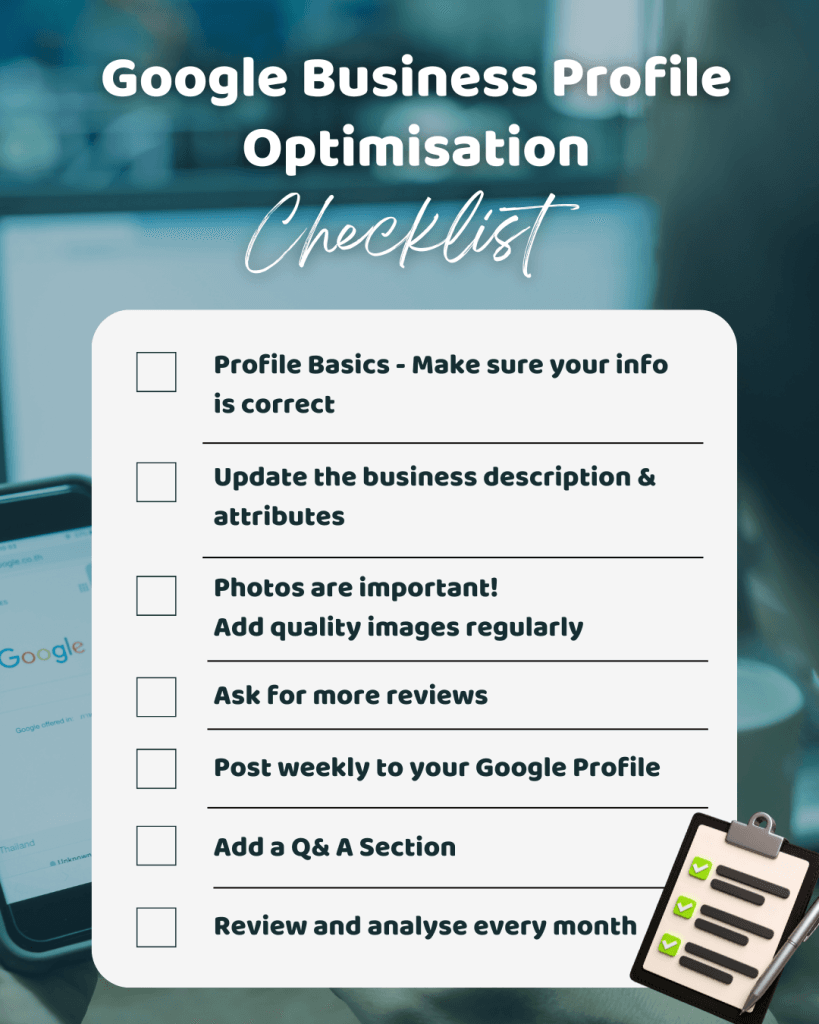
Google Business Profile Optimisation Checklist
1. Profile basics (often missed, but critical)
This first section overlaps with a basic google business profile setup checklist, but many established businesses still fail here.
Check that:
- Business name matches real-world branding exactly
- Primary category is accurate and specific
- Secondary categories are added where relevant
- Address is correct and consistent everywhere online
- Service areas are set properly (if applicable)
- Phone number is local and working
- Website link points to the correct page
Common mistake:
Choosing a broad category instead of the most accurate one. This reduces relevance even if everything else is correct.
2. Business description and attributes
Google uses your description and attributes to understand who you’re relevant for.
Best practice checks:
- Description clearly explains what you do and who you serve
- No keyword stuffing or promotional language
- Includes natural references to location and services
- Attributes are fully selected (payment types, accessibility, amenities)
This section is often rushed, but it’s one of the easiest optimisation wins.
3. Photos and visual signals (this matters more than most people realise)
Businesses with strong photo activity consistently outperform those without it.
GBP optimisation checklist for photos:
- Logo uploaded and current
- Cover photo chosen intentionally (not random)
- Interior and exterior photos added
- Staff or service-in-action photos included
- New photos added at least once per month
Mistake to avoid:
Uploading stock images or irrelevant visuals. Google prioritises authenticity over polish.
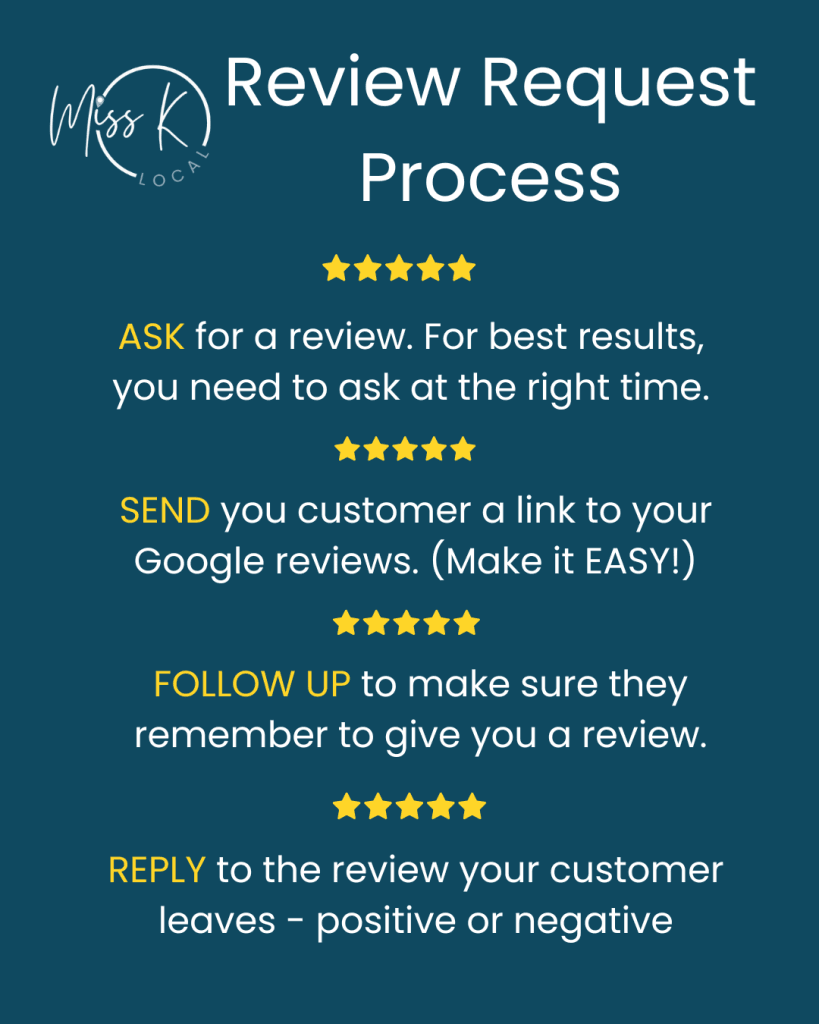
4. Reviews and review velocity
Reviews are one of the strongest ranking and conversion signals in local search.
Checklist:
- Reviews are actively requested, not left to chance
- Responses are posted to all reviews (positive and negative)
- Review requests follow a consistent system
- Review wording is neutral and policy-compliant
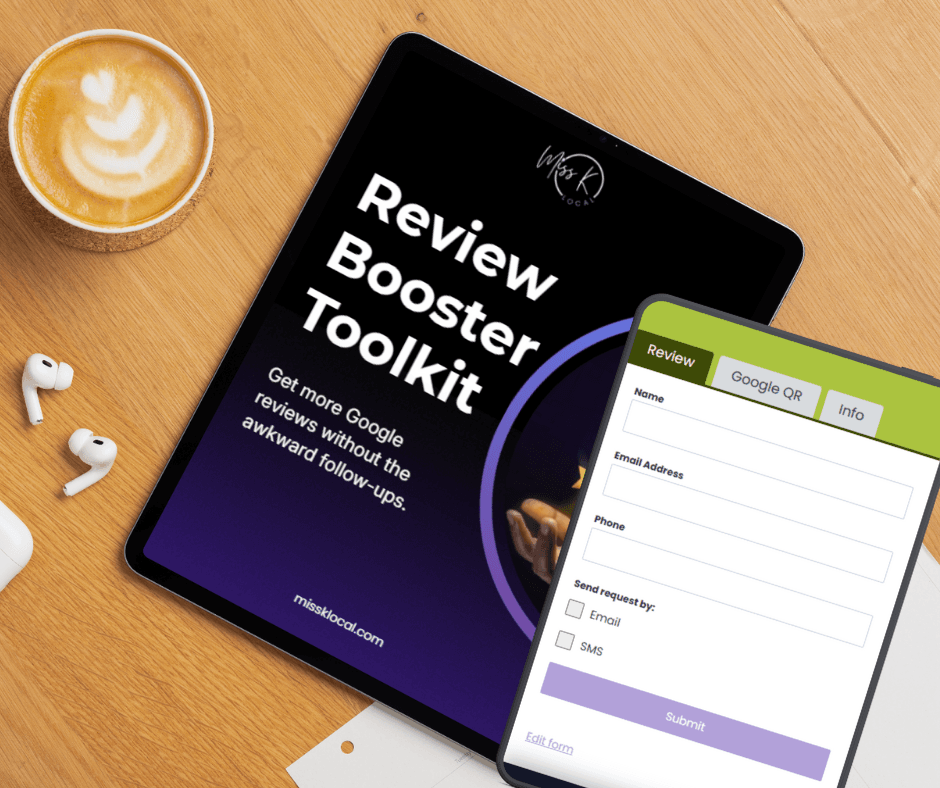
If reviews are a bottleneck for your business, tools like the Google Review Toolkit or the DIY Google Review App can help create a repeatable, low-friction process without awkward conversations.
5. Posts, updates, and engagement signals
Posting to your Google Business Profile tells Google your business is active.
Google business profile best practices for posts:
- One post every 7–14 days
- Clear, simple message (no marketing fluff)
- Use images where possible
- Include a soft CTA (learn more, call now, book)
These don’t need to be perfect — consistency matters more than creativity.
6. Q&A section (quietly powerful)
Most businesses ignore this section, but Google doesn’t.
Checklist:
- Add your own common questions and answers
- Monitor for public user questions
- Keep answers factual and helpful
- Avoid promotional language
This improves relevance and reduces customer friction before contact.
7. Tracking and maintenance (often forgotten)
Optimisation isn’t set-and-forget.
Monthly checks:
- Insights reviewed (views, calls, direction requests)
- Hours updated for public holidays
- New photos added
- Reviews monitored and responded to
- Categories reviewed for relevance
If this feels unrealistic to maintain internally, structured reputation management plans can handle this on your behalf.
3 common Google Business Profile mistakes to avoid
- Assuming “verified” means “optimised”
Verification is the starting line, not the finish. - Inconsistent review requests
Asking sporadically produces inconsistent results and slow growth. - Ignoring engagement features
Posts, photos, and Q&A are ranking signals — not optional extras.
When a checklist isn’t enough
This google business profile optimisation checklist works well if:
- Your profile is already claimed
- You have some reviews
- You want structured improvements
It may not be enough if:
- Your profile has ranking or suspension issues
- Reviews are stagnant or declining
- You’re competing in a crowded local market
In those cases, a more structured approach is required. The Google Maps Ranking Playbook is a good next step if you want a clearer picture of how Google evaluates local businesses.
Next steps
If you want the full framework behind this checklist, including how these elements work together, read our complete guide to Google Business Profile optimisation for small businesses.
If reviews are your weakest link, start with:
- The Google Review Toolkit (free preview available), or
- The DIY Google Review App for automated review requests
For businesses that prefer a done-for-you solution, explore our Reputation Management Plans.
Frequently Asked Questions
How often should I update my Google Business Profile?
At minimum, review it monthly. Photos, posts, and reviews should be ongoing, not one-off tasks.
Do reviews really affect Google Maps rankings?
Yes. Both review quality and consistency matter. A steady review pattern is more valuable than occasional spikes.
What should I focus on first if my Google Business Profile isn’t performing?
Start with the fundamentals: accurate categories, complete business information, and a consistent review process. These areas influence relevance and trust, which matter more than advanced optimisations in the early stages.
Can random people make changes to my Google Business Profile?
Yes. Anyone can suggest edits to your profile information, and Google may publish some of those suggestions automatically. That’s why it’s important to log in regularly and check that all business details are correct and compliant with guidelines.
Why isn’t my business showing up on Google Maps?
If your Google Business Profile isn’t appearing in Maps results, the most common reasons are that the profile isn’t verified, the address or categories are incorrect, or the profile information is incomplete. Making sure all GBP fields are filled out and accurate — and regularly updated — increases your chances of showing in relevant local searches. For more help with optimisation and increasing visibility, check out our Google Business Profile optimisation checklist above.