Google Review Automation: How to Automate Review Requests Without Breaking Google’s Rules
Many businesses know that Google reviews influence rankings and customer trust. What they struggle with is consistency.
Staff forget to ask. Requests go out at the wrong time. Or the process relies on someone remembering after a busy job.
This is where google review automation becomes useful. When implemented properly, a review automation system can ensure customers receive review requests consistently without relying on manual reminders.
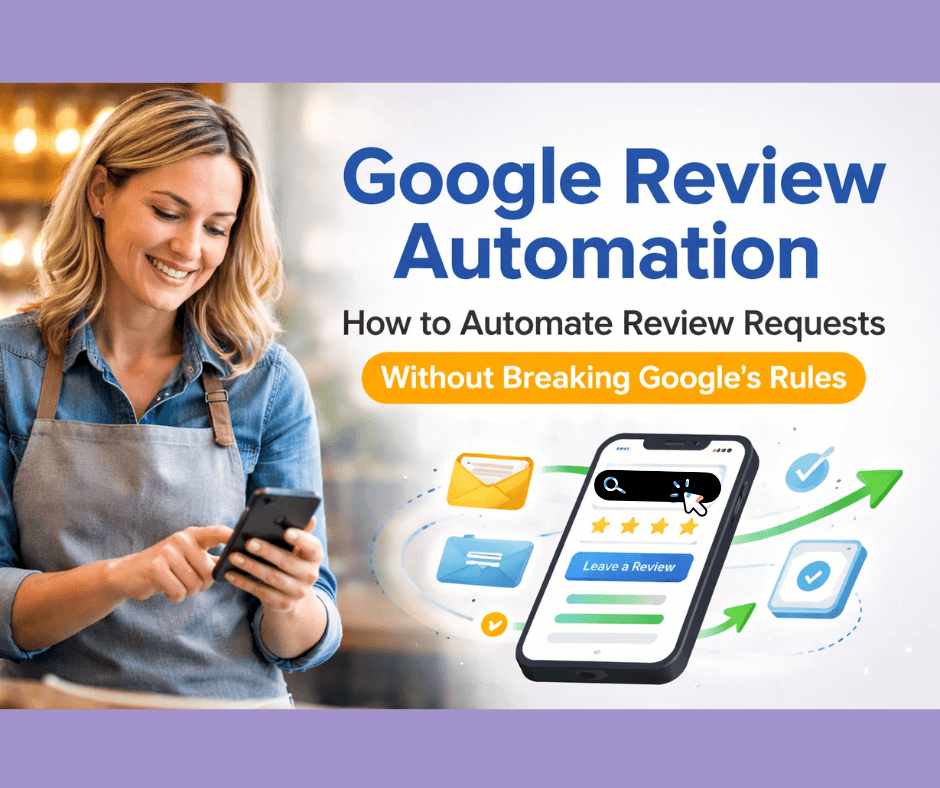
However, automation must follow Google’s guidelines. Some shortcuts that promise “faster reviews” can actually put your business at risk of penalties or review removal.
This guide explains how google review automation works, what Google allows, and how to build a compliant system that improves review consistency over time.
For a broader explanation of why review consistency matters, see our main guide The Complete Guide to Review Automation for Small Businesses (2025).
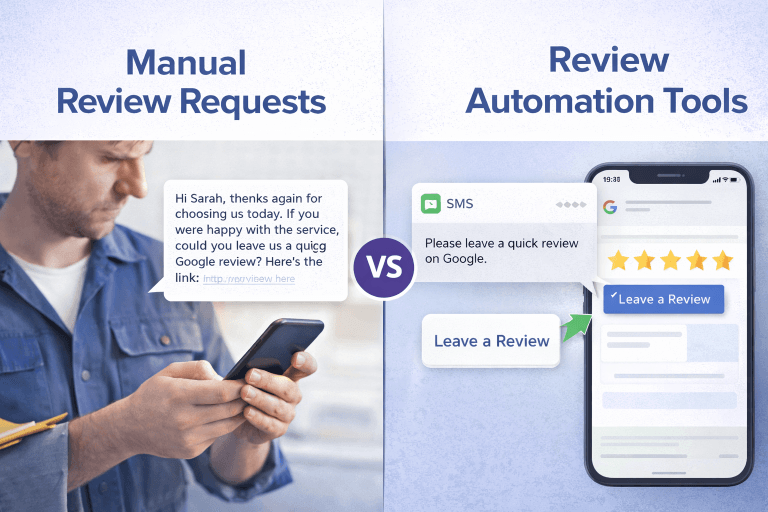
Why Manual Review Requests Often Fail
Many businesses assume their review problem is about customers not wanting to leave feedback. In reality, the issue is usually process failure, not customer reluctance.
Manual systems break down for several predictable reasons.
Staff forget during busy periods
When a job finishes, the team is often moving to the next task. Asking for a review becomes optional rather than built into the workflow.
Over time, this leads to sporadic review spikes instead of steady growth.
Requests happen at the wrong time
Reviews work best when the customer has just experienced the service.
If requests are sent days later — or only when someone remembers — response rates drop significantly.
The process depends on individual behaviour
Some team members ask regularly. Others never do.
Without a structured system, the result is inconsistent review activity, which Google’s ranking signals often interpret as lower engagement.
This is why many businesses eventually look at automated google review requests to create consistency.
What Google Review Automation Actually Means
Automation does not mean spamming customers or using fake reviews.
Proper google review automation simply means building a system where review requests are sent automatically after a genuine service interaction.
Instead of relying on staff memory, the request becomes part of a defined workflow.
A typical review automation system includes:
- A trigger event (job completed, invoice sent, or appointment finished)
- A message template requesting feedback
- A link directing the customer to the correct Google review page
- Optional follow-up reminders if no review is left
When implemented correctly, automation simply removes the friction from asking, while still relying on real customers to provide authentic feedback.
What Google Allows vs What It Prohibits
One of the biggest misunderstandings around review request automation is what Google considers acceptable.
What Google allows
Google permits businesses to request reviews from real customers.
Acceptable practices include:
- Sending review requests after legitimate transactions
- Using automated tools to send reminders
- Asking all customers equally for feedback
- Providing a direct link to your Google review form
Automation tools that follow these principles are considered compliant.
What Google prohibits
Google’s policies prohibit practices that manipulate review outcomes.
These include:
- Offering incentives for reviews
- Filtering customers based on positive or negative experiences
- Asking only happy customers for reviews
- Using fake accounts to leave feedback
- Buying reviews from third-party services
These tactics may produce short-term gains but often lead to review removals or account penalties.
The safest approach is a transparent, consistent process.
How a Compliant Review Automation System Works
A compliant system focuses on timing, consistency, and fairness.
Below is a simplified example of how google review automation should operate.
Step 1: Identify the trigger point
The most effective moment to request a review is immediately after service completion.
Common triggers include:
- Job marked complete in scheduling software
- Invoice issued
- Appointment closed in CRM
This ensures the request arrives when the customer experience is still fresh.
Step 2: Send a simple review request
The request should be straightforward and neutral.
Example:
Thanks for choosing us today. If you have a moment, we’d really appreciate your feedback. You can leave a Google review here.
The message should not pressure customers or attempt to influence their rating.
Step 3: Provide a direct review link
Removing friction significantly improves completion rates.
Customers should not have to search for the business themselves. A direct link to the review page makes the process easier.
Step 4: Optional reminder
Some systems include a single follow-up reminder after a few days.
The key is moderation. Too many reminders can annoy customers and harm brand perception.
Example: A Simple Automated Review Workflow
To illustrate how automated google review requests work in practice, consider this example.
Local service business workflow
- Job completed by technician
- CRM marks job as finished
- System automatically sends SMS review request
- Customer clicks link to leave review
- Optional reminder sent after 3 days if no response
This type of review automation system removes reliance on staff memory while keeping the process compliant.
Mistakes to Avoid With Review Automation
Automation can improve review consistency, but certain mistakes can create problems.
Over-automation
Sending multiple reminders or repeated messages can irritate customers.
Keep requests simple and limited.
Filtering customers
Some tools attempt to screen customers based on satisfaction before sending review links.
This violates Google’s policies and should be avoided.
Incentivising reviews
Offering discounts, gifts, or rewards for reviews may result in review removals.
Authentic feedback always performs better long term.
Checklist: Setting Up a Safe Review Automation System
If you’re planning to implement review request automation, this checklist can help.
A compliant system should:
- Request reviews from all customers equally
- Send requests shortly after service completion
- Use neutral wording without pressure
- Provide a direct Google review link
- Limit reminders to one follow-up message
- Avoid incentives or filtering
When these principles are followed, google review automation becomes a reliable and sustainable strategy.
Tools That Can Help Automate Review Requests
Some businesses choose to build their own system. Others prefer tools designed specifically for review workflows.
If you want to see how a structured system works in practice, you can explore:
- The Google Review Toolkit, which explains review request workflows and includes a free preview
- The DIY Google Review App, which provides a structured approach for automating requests
- Reputation management plans for businesses that prefer a done-for-you approach

Each option focuses on building consistent review flow without violating Google’s guidelines.
FAQ: Google Review Automation
Is Google review automation allowed?
Yes. Google allows businesses to request reviews from customers and to automate those requests, as long as the process treats all customers equally and does not manipulate feedback.
How do automated Google review requests work?
A system sends review requests automatically after a service interaction, such as a completed job or issued invoice. The request includes a link directing customers to the business’s Google review page.
Can automation improve Google rankings?
Reviews are one of several signals used in local search rankings. Consistent review activity can support visibility over time, but it should always come from real customers.
How often should review requests be sent?
One initial request and one optional reminder is usually sufficient. Excessive messaging can reduce response rates.
Do I need software to automate Google reviews?
Not always. Some businesses use CRM systems or scheduling software to trigger requests. Others prefer dedicated review automation tools.
When Automation Isn’t the Only Issue
Sometimes businesses assume they need automation when the real issue is elsewhere.
Common problems include:
- Incorrect review link setup
- Review requests sent too late
- Inconsistent request timing
- Poor visibility of the Google listing
These factors can significantly affect review response rates.
Is Your Google Profile Losing Visibility?
If your Google reviews have slowed down or your profile isn’t appearing as often in search, the first step is understanding what’s actually happening.
I offer a one-time personalised audit showing:
• what’s limiting your ranking
• what Google is actually looking at
• what to fix first
Once you know where the gaps are, improving the process becomes much easier.
(Limited to 5 businesses per week)